Bespoke plans
Sometimes customers will want a plan that isn’t covered by one of your current options. This will likely include offering bespoke features, a custom combination of existing functionality, unique pricing, or any combination of the aforementioned.
Through the power of the entitlements system, offering bespoke plans is simple and requires no code.
- Go to the products list page.
- Edit the product that you want to create a bespoke plan for.
- Find the plan most similar to your new bespoke plan. If there isn't one that serves as a good starting point, create a new plan.
- Press the clone button. (Optional)
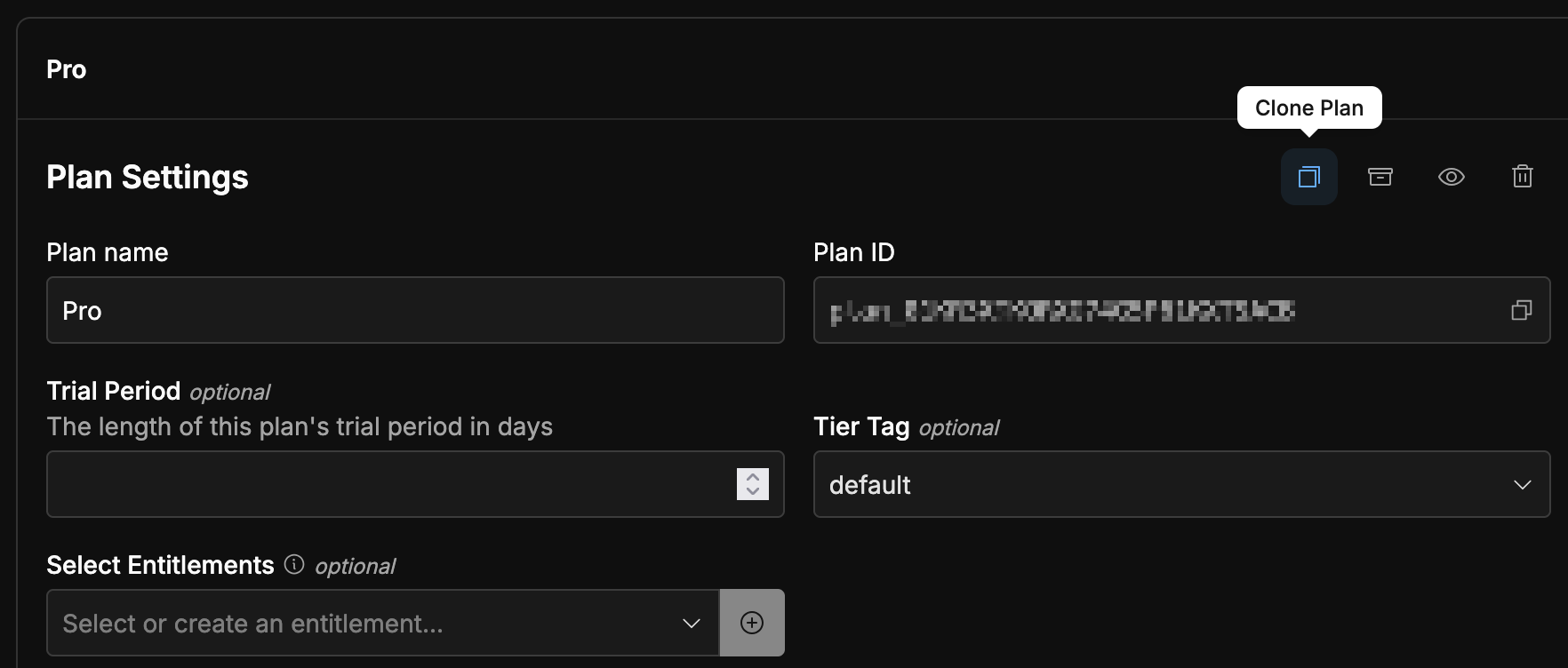
- Change the entitlements and pricing as necessary.
- Save the new plan.
By virtue of being bespoke and made for an individual user, or a small subset of users, it’s unlikely you’ll want to surface a flow for purchasing bespoke plans in your application. Instead you can generate a checkout link through the dashboard and send it to the relevant users to complete their purchase(s).